
Android Version — —
Download bebu.
Ready in under a minute.
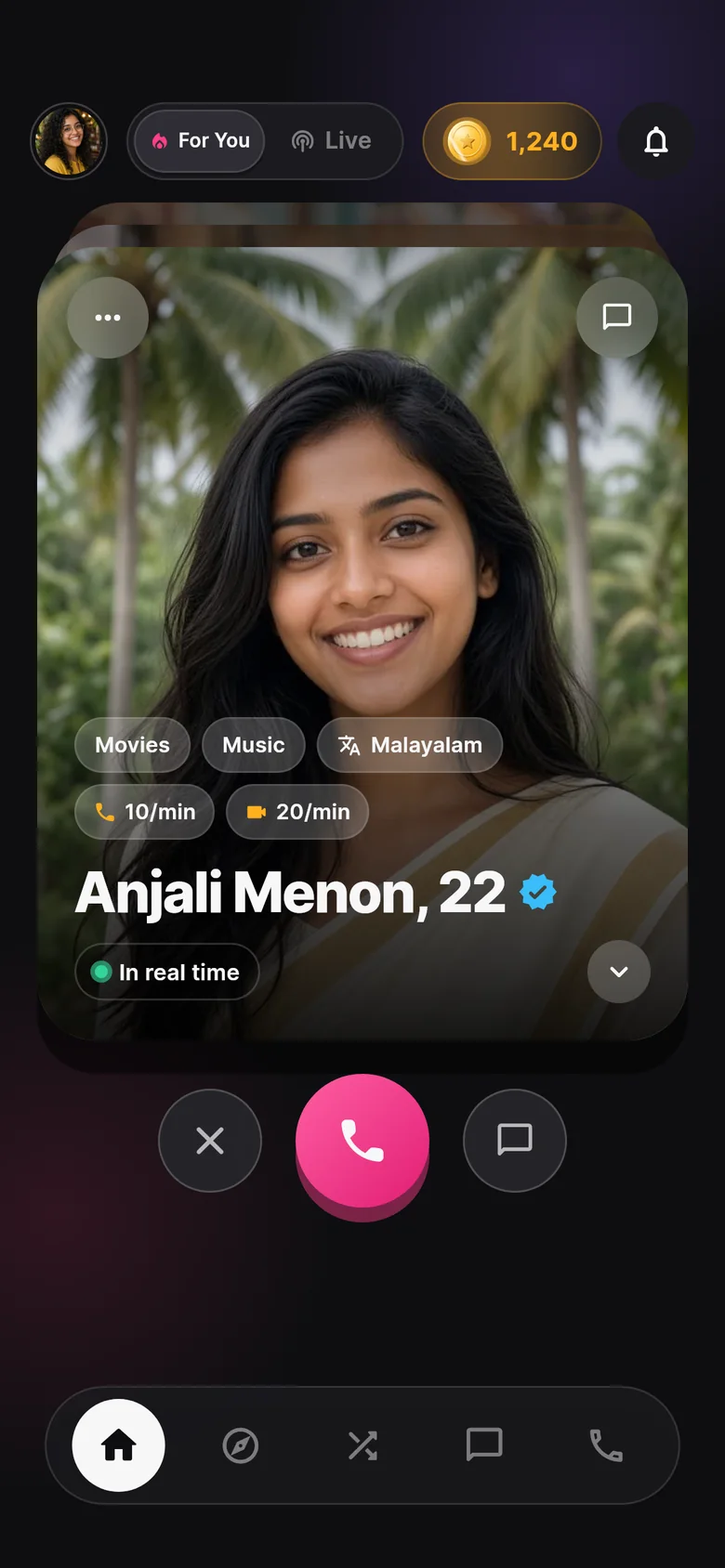
A signed Android build, straight from us. Download, tap install, and you're talking to real people over voice and video. No Play Store account needed.
- Signed release build
- SHA-256 published
- Android 6.0+
- Under 1 minute
Current release
Version —.
Two files, one app.
The button above already picked the right file. 64-bit is for almost every phone sold since 2017. 32-bit is there for older ones.
Install guide
Three taps.
Nothing to configure.
-
1
Download the APK
Tap the button above on your phone. Chrome may ask to confirm the download — tap Download anyway.
-
2
Allow the install
Open the file. Android asks once to allow installs from your browser or file manager — switch it on and go back.
-
3
Sign in and start talking
Quick login gets you in immediately. You start with a coin bonus, so your first conversation is on us.
Seeing “App not installed”? Uninstall any earlier test build of bebu first, then install again. Different test keys can't update each other.
- Release notes will appear here with the next build.
Verify your download
Trust, but check.
Every build's SHA-256 fingerprint is published here. If the hash of your file matches, it's exactly what we shipped.
Open the APK in a file manager and choose Properties or Details → SHA-256, or use a checksum app from the Play Store.
shasum -a 256 bebu.apkcertutil -hashfile bebu.apk SHA256Permissions
What bebu asks for,
and why.
-
MicrophoneVoice and video calls, voice notes in chat.
-
CameraVideo calls and profile photos. Off by default.
-
NotificationsIncoming calls and messages, even when closed.
-
Photos & mediaOnly when you attach a picture in chat.
Ready when you are.
Version — · — · Android 6.0+